
Your Mac,
in your hand.
An interactive demonstration built with Pipa's real screens. Choose your Mac, touch the iPhone, and watch the cursor follow.

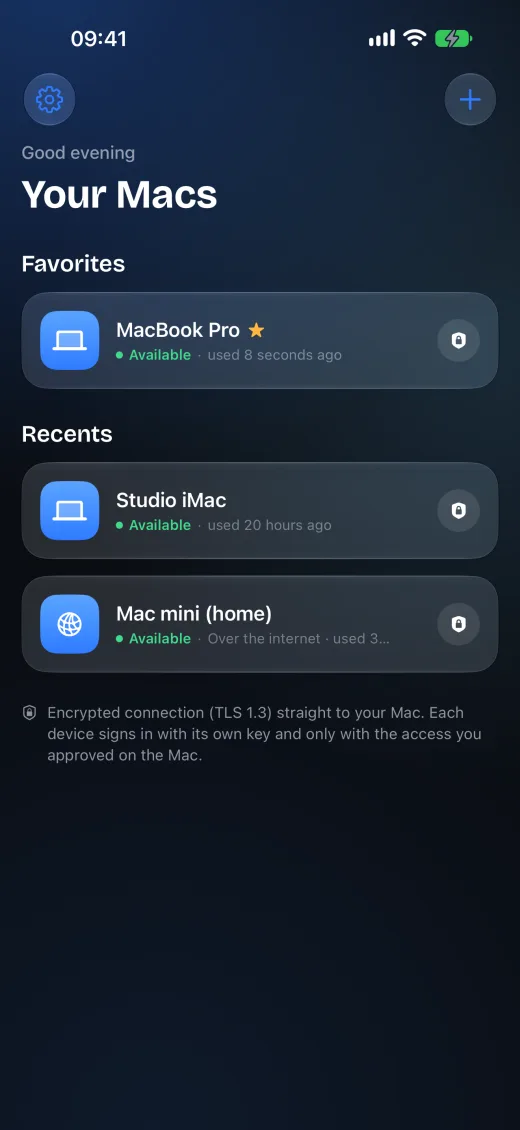
The app lives inside the device.
Choose your Mac on iPhone, open the connection, and touch the screen to control the cursor. The same experience can be explored on the page and used in the videos.
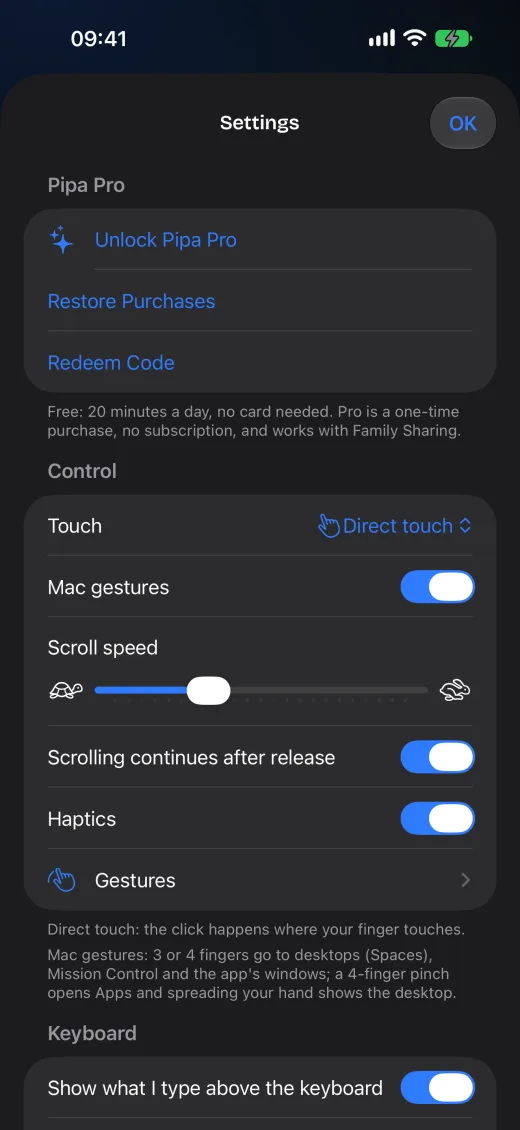
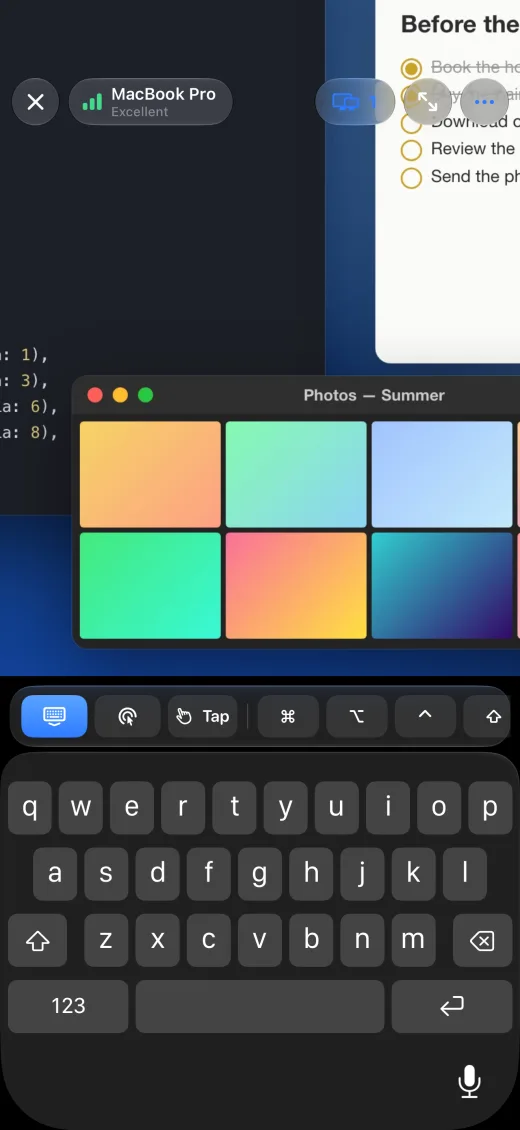
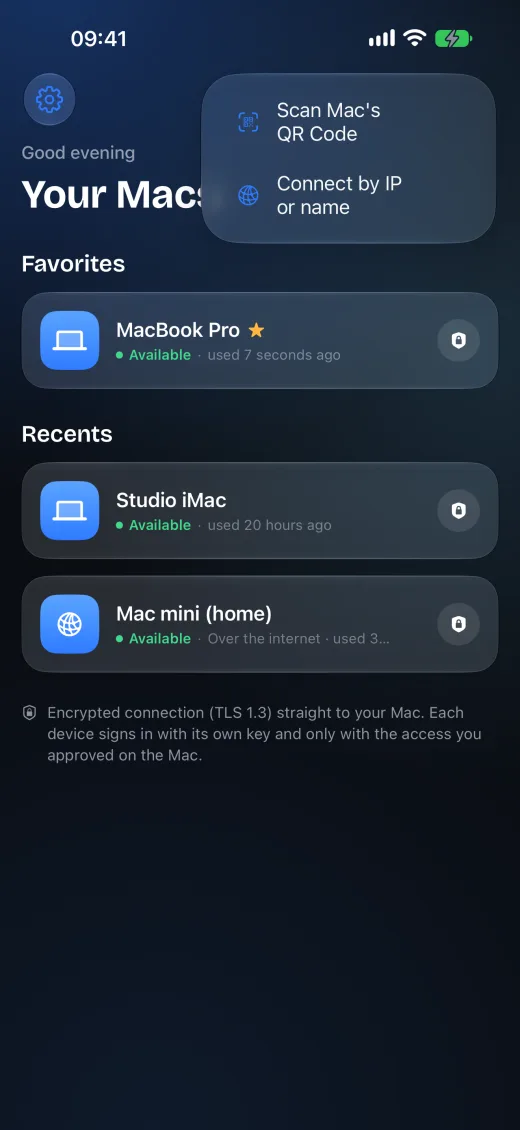
Real states, named by the app.
The fallback uses the same captured screens and labels that appear in Pipa's code. When a simulator capture is still unavailable, the SwiftUI reading becomes an explicitly identified web preview.
Advanced
Help
Gestures
One gesture on iPhone.
The cursor follows on Mac.
The gesture is deterministic and uses the same trackpad mode as the app. Drag in the area below or use the arrows to move the cursor.
Every texture comes from the real app assets, without AI-redrawn text or icons.
The 3D device is a lightweight CSS composition that respects reduced motion and accessibility.
The same gesture can later be replayed in the video renderer without controlling a real Mac.